
watchOS 27 Releases Monday: What Changed and Who Should Update in September 2026
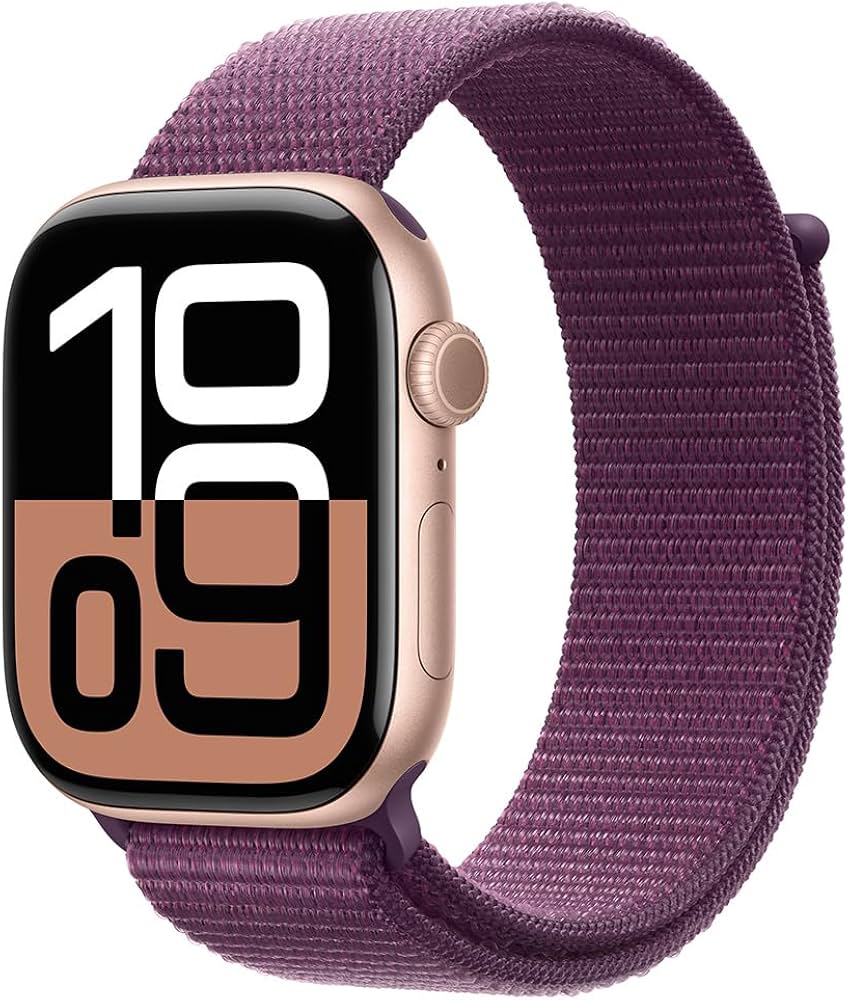
Apple's biggest Apple Watch software update of the year drops on Monday, September 14, 2026. watchOS 27 brings on-device Siri AI, a built-in Readiness score, new women's health features, a completely redesigned navigation screen, and a handful of quiet removals that will change your daily workflow. Here's everything that's new, everything that's gone, and whether you should update the moment it lands or wait a few days.
Biggest Addition
Siri AI on-device — faster responses, contextual awareness, and a dedicated Siri app that processes requests without sending data to Apple's servers.
Best Health Feature
Readiness score synthesizing sleep, HRV, and training load, plus perimenopause and menopause cycle tracking in the Health app.
What's Removed
Walkie-Talkie app permanently retired. Digital Crown double-click shortcut removed and reassigned to app switching.
What Is Siri AI and How Does It Change the Apple Watch?
The centerpiece of watchOS 27 is Siri AI — Apple's rebranded, on-device voice assistant powered by the company's foundation models that debuted at WWDC 2026. Unlike the old Siri, which routed most requests through Apple's servers, Siri AI processes common commands entirely on the watch's neural engine. Setting timers, controlling music, reading messages, and toggling settings now happen with near-zero latency — no iPhone connection and no internet required.
Apple also ships a dedicated Siri appin watchOS 27, replacing the old raise-to-speak and long-press activation model. The app offers a scrollable history of recent requests, contextual follow-up suggestions, and the ability to chain multiple actions into a single voice command. For example, you can say "Start my run, play my workout playlist, and turn on Do Not Disturb" as one sentence, and Siri AI will execute all three sequentially.
Contextual awareness is the biggest practical improvement. Siri AI can read the watch face you're using, detect your current activity (walking, working out, in a meeting based on Calendar data), and tailor responses accordingly. Ask "How am I doing?" during a run and you get pace and heart rate data. Ask the same question at your desk and you get your Readiness score and next calendar event.
What Health and Fitness Features Are New in watchOS 27?
The Readiness score is Apple's direct answer to Oura's readiness metric, Whoop's recovery score, and Garmin's Body Battery. It appears as a morning notification and a complication, synthesizing overnight sleep quality, heart rate variability trends, recent workout intensity, and resting heart rate into a single 0–100 score. On the Apple Watch Ultra 3 and Series 11 with their newer sensors, HRV is sampled more frequently, producing a more accurate baseline. Older compatible models use existing sensor data and will show a slightly less granular score — still useful, just less precise.
watchOS 27 also adds perimenopause and menopause cycle tracking to the Cycle Tracking app. Users can log symptoms like hot flashes, night sweats, mood changes, and irregular periods. The app uses logged data alongside wrist temperature and heart rate trends to identify patterns consistent with perimenopause onset, providing education and timeline estimates. Apple notes this is an informational tool and not a medical diagnosis, but it fills a significant gap — no other major smartwatch platform offers dedicated perimenopause tracking as of September 2026.
Other health improvements include enhanced HRV trend visualizations in the Health app, a new breathing rate metric during sleep, and improved fall detection algorithms that reduce false positives during high-impact workouts like CrossFit and boxing.
What Is the Dynamic App Grid?
The honeycomb app grid that has been part of Apple Watch since 2015 is gone. watchOS 27 replaces it with the Dynamic App Grid— a scrollable, alphabetically sorted grid that adapts based on usage patterns. Your most-used apps float to the top, while rarely opened apps drop to the bottom. The layout is still a grid of circular icons, but they're larger, easier to tap, and arranged in straight rows instead of the old honeycomb pattern.
You can also pin up to six apps to a "Favorites" row at the top, and the system surfaces contextual app suggestions — Workout at the gym, Wallet near a transit terminal, Maps when you start driving. It's a significant usability improvement, especially for users who found the old grid frustrating to navigate. The list view is still available as an alternative in Settings.
Which Apple Watch Models Are Compatible With watchOS 27?
watchOS 27 supports the following models:
- Apple Watch Series 9 (2023)
- Apple Watch Series 10 (2024)
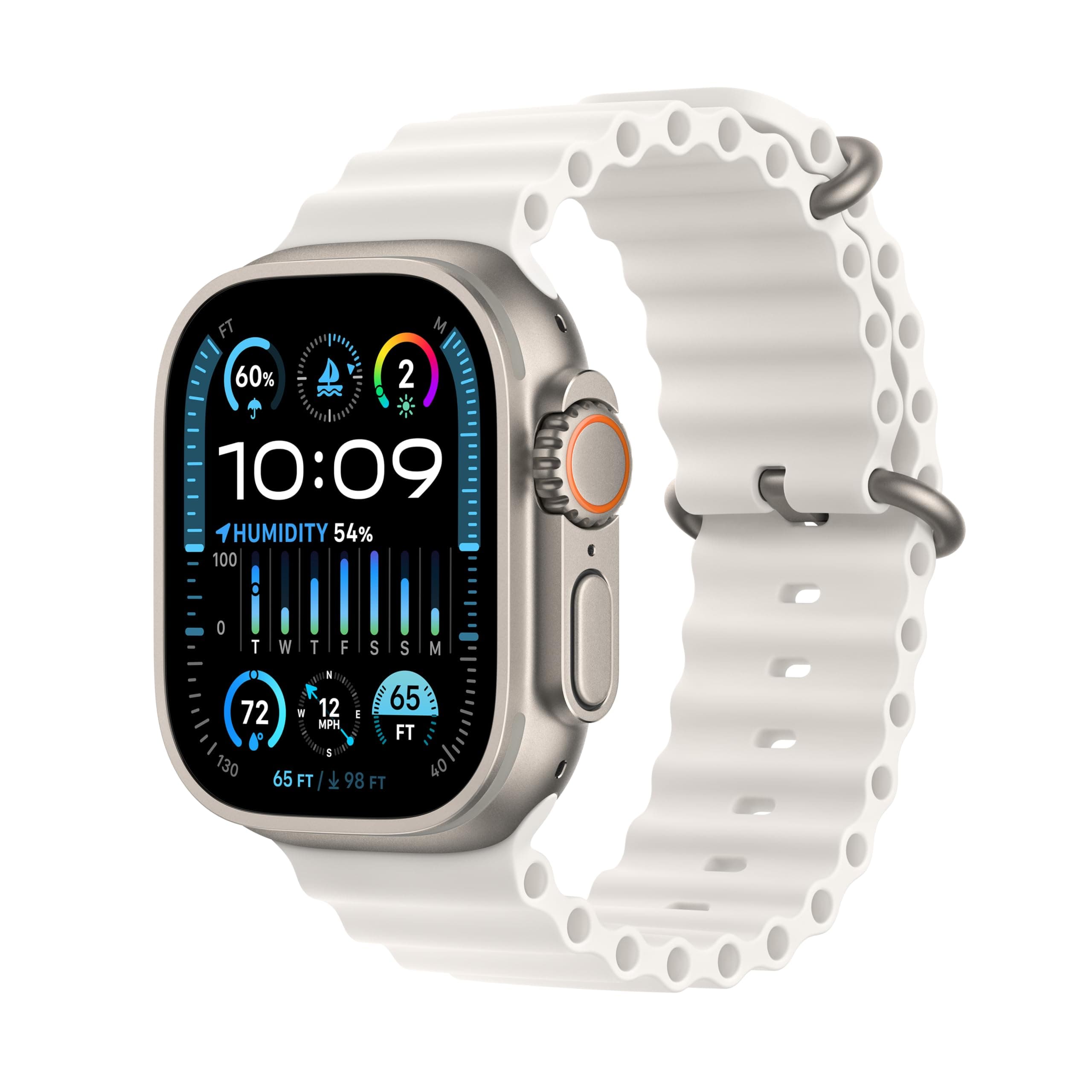
- Apple Watch Series 11 (2025) — check current prices
- Apple Watch SE 3 (2025)
- Apple Watch Ultra 2 (2023)
- Apple Watch Ultra 3 (2025) — check current prices
Dropped models:Apple Watch Series 7 (2021) and Series 8 (2022) lose support with this release. Both ran watchOS 26 but lack the neural engine performance required for on-device Siri AI processing. If you own a Series 7 or 8, you'll stay on watchOS 26 indefinitely — it will continue receiving security patches for approximately one more year, but no new features.
The original Apple Watch SE (2020) and SE 2nd generation (2022) were already dropped in watchOS 26 and remain unsupported. Browse all compatible devices in our smartwatches hub.
What Features Did Apple Remove in watchOS 27?
Two notable removals will affect daily habits for some users:
Walkie-Talkie is gone.The push-to-talk feature that let you send quick audio snippets to contacts has been permanently removed. Apple first disabled Walkie-Talkie in 2019 after discovering a vulnerability that could allow eavesdropping, then restored it with a fix. In watchOS 27, the app is removed entirely. Apple has not provided a detailed explanation, but the move aligns with the company's broader push toward Siri AI-based communication — you can now use Siri AI to send voice messages through Messages, which Apple considers a more secure replacement.
Digital Crown double-click is reassigned. Previously, double-clicking the Digital Crown opened your most recently used app. In watchOS 27, the double-click gesture opens the new App Switcher, which shows a carousel of your four most recent apps. Single-press still returns to the watch face, and long-press still activates Siri AI. The change is minor but will trip up muscle memory for a week or two.
Should You Update on Day One?
For most users, yes. watchOS 27 is a substantial upgrade, and Apple's beta cycle has been running since June with no show-stopping bugs reported in the final release candidate. The Readiness score, Siri AI improvements, and Dynamic App Grid are genuinely useful additions that improve the daily Apple Watch experience.
Wait if: You rely heavily on Walkie-Talkie for family communication (find an alternative first), you use a third-party app that hasn't confirmed watchOS 27 compatibility (check the developer's release notes), or you own a Series 9 and want to see early performance reports before committing. Remember, you cannot downgrade once you install watchOS 27.
Update immediately if: You own a Series 11 or Ultra 3 — these models benefit most from the Readiness score improvements thanks to their newer sensor hardware. The combination of watchOS 27 and current-generation sensors delivers the most complete health-tracking experience Apple has ever offered on the wrist.
If you're still on a Series 7 or 8 and want the new features, the Series 12 pre-orders are open with ships on September 18. Or grab the current-generation models at a discount before they sell through — see the deals below.
Related Articles
Frequently Asked Questions
What time does watchOS 27 release on September 14?
Apple typically releases major watchOS updates around 10:00 a.m. Pacific Time (1:00 p.m. Eastern). Open the Watch app on your iPhone, go to General > Software Update, and the update should appear shortly after that time on Monday, September 14, 2026.
Will watchOS 27 slow down my older Apple Watch?
Early beta testers report that watchOS 27 runs smoothly on the Series 9 and Apple Watch SE 3. Performance is comparable to watchOS 26 on those models. However, the Readiness score will be slightly less granular on older hardware because older sensors sample HRV less frequently than the Series 11 or Ultra 3.
Why did Apple remove Walkie-Talkie in watchOS 27?
Apple has not given a specific public reason, but the company removed the Walkie-Talkie app due to persistent security and privacy concerns that were first flagged in 2019. The feature was temporarily disabled then, restored with fixes, and has now been permanently retired in watchOS 27.
Can I downgrade back to watchOS 26 after updating?
No. Apple does not allow downgrading watchOS once you update. If you are concerned about stability, wait a few days after September 14 to see early user reports before installing watchOS 27 on your Apple Watch.