watchOS 27 Available Now: Siri AI, Dynamic App Grid, and Liquid Glass Arrive on Apple Watch
watchOS 27 is rolling out today, September 14, to Apple Watch Series 9 and later. The update brings Siri AI with on-device Apple Intelligence, a Dynamic App Grid that replaces the honeycomb launcher, Liquid Glass visual refresh, perimenopause cycle tracking, and battery optimization recommendations. Walkie-Talkie and the double-click Digital Crown shortcut have been removed.
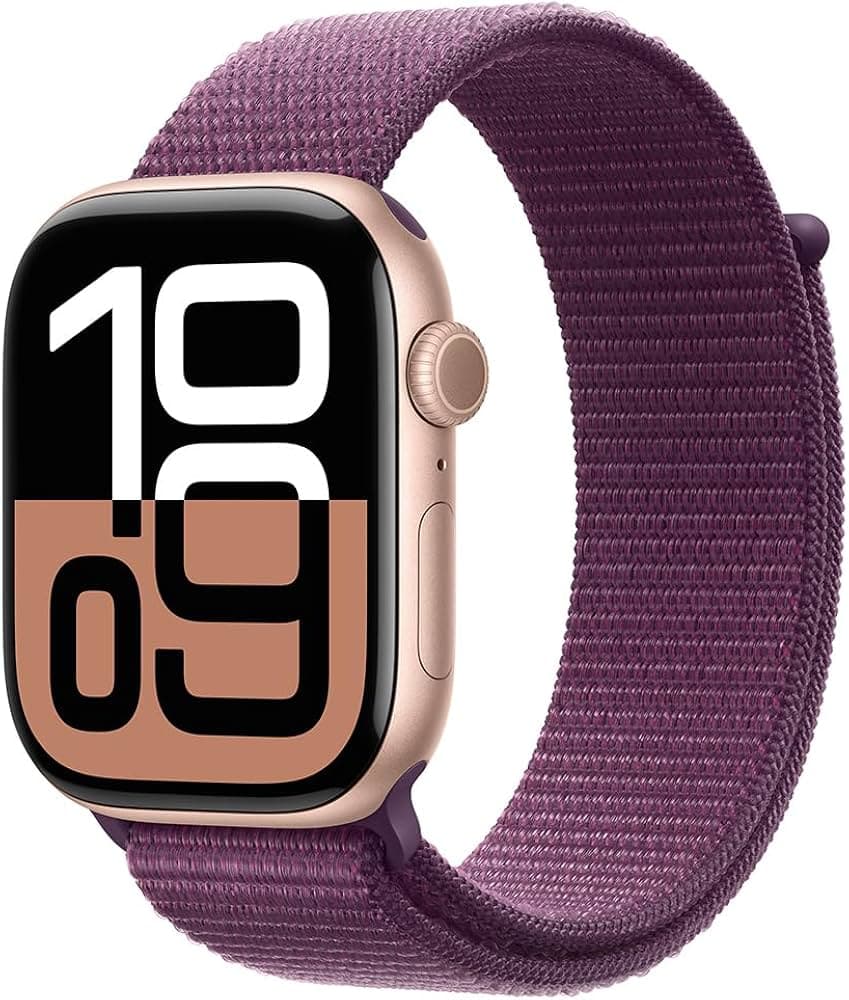
Featured Product
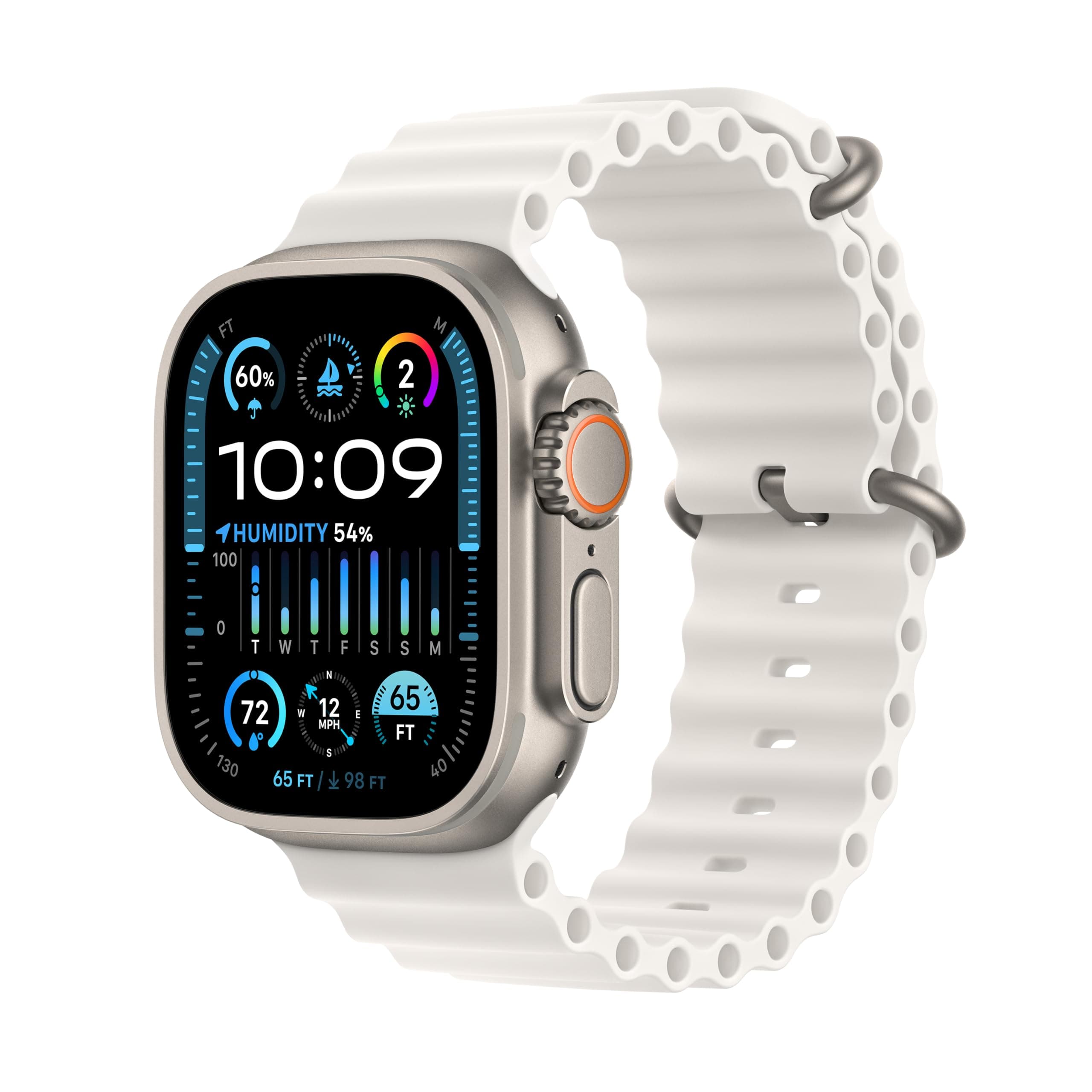
Apple Watch Series 11
The world's most popular smartwatch — now with blood pressure monitoring, sleep apnea detection, and the brightest display ever.
Price
Current price not available
watchOS 27 is available to download now on Apple Watch Series 9 and later, Ultra 2 and later, and Apple Watch SE 3. The update rolls out alongside iOS 27, iPadOS 27, and macOS 27 on Monday, September 14.
What's New in watchOS 27
- Siri AI: A fully on-device Siri powered by Apple Intelligence handles back-and-forth conversations, accesses personal context, and syncs conversations across devices — no cloud processing required
- Dynamic App Grid: The static honeycomb grid is gone, replaced by an adaptive layout that surfaces your most-used apps based on time of day and context
- Liquid Glass: A new visual design language with uniform refraction and improved contrast for better readability in all lighting conditions
- Tap gesture: Tap your index finger and thumb together to select widgets in the Smart Stack
- Perimenopause tracking: Cycle Tracking now detects pattern irregularities and supports menopause symptom logging
- Battery optimization: New settings panel recommends configuration changes based on your usage patterns
- Unified Find My: Device, people, and item tracking combined into a single app
What's Been Removed
Walkie-Talkie and the double-click Digital Crown shortcut are gone. If you relied on either, plan alternatives before updating.
How to Update
Open the Watch app on your iPhone, go to General → Software Update, and tap Download and Install. Ensure your Apple Watch has at least 50% battery and is on its charger during the update. For a complete breakdown, read our watchOS 27 guide. Check current Apple Watch prices if you're looking to upgrade your hardware too.
Related Products
Go deeper on Apple Watch Series 11
Move from this news update into the key money pages so you can compare pricing, read the full review, and see similar products in context.
Keep researching this story
Related News
October Prime Big Deal Days 2026: Best Wearable Deals on Apple Watch, Garmin, AirPods, and More
4 min read
dealAmazon Prime Big Deal Days October 6–7: Up to 50% Off Wearables Including Apple Watch, AirPods, and Garmin
3 min read
updateUniversity of Michigan Study: Many Smartwatch Health Readings Are Algorithmic Estimates, Not Direct Measurements
3 min read